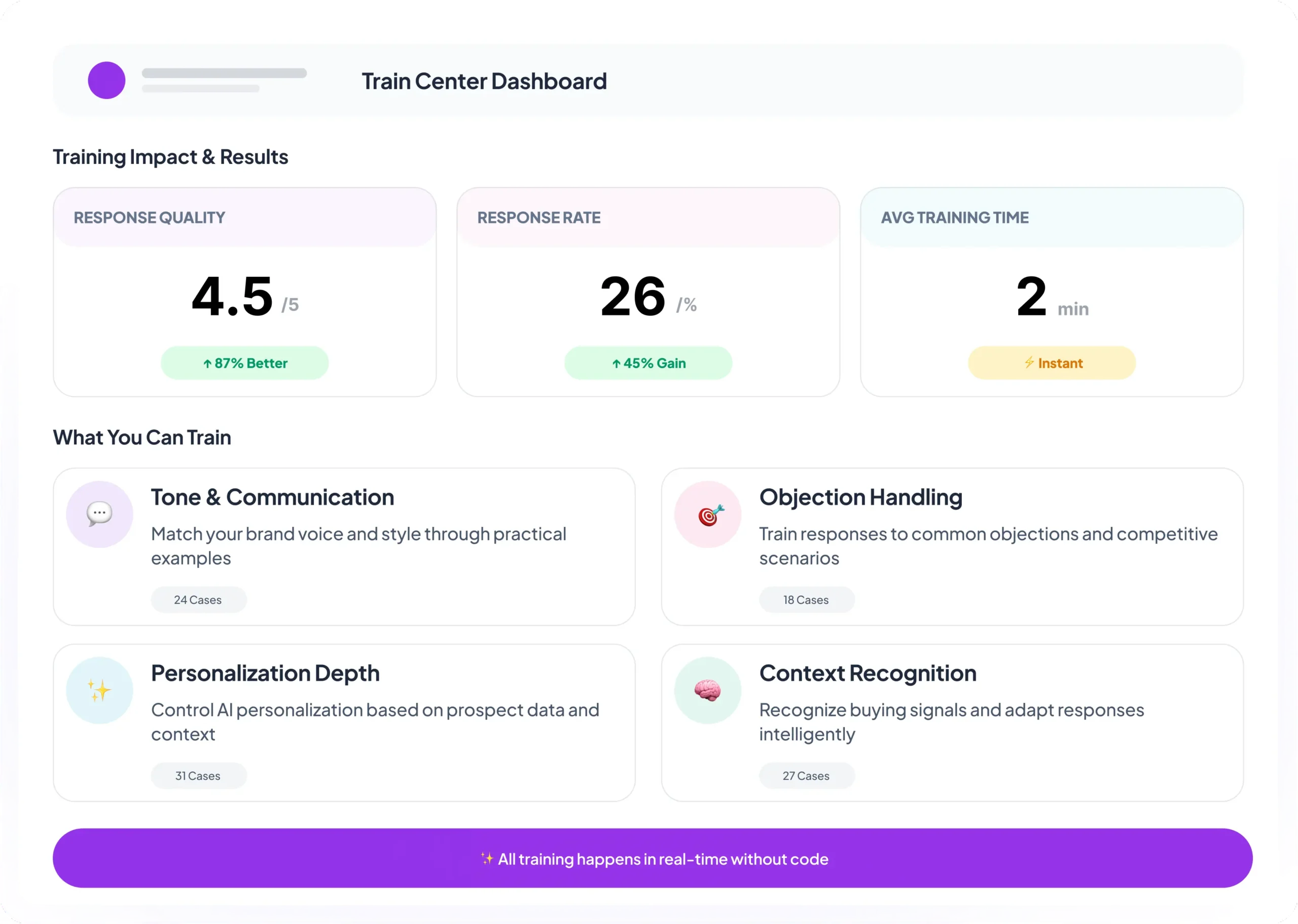
Your control panel for teaching Intersa how to represent your brand. Add examples, adjust tone, and refine messaging, all without writing a single line of code.
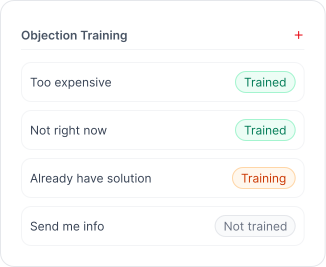
Handle Objections
Improve how the AI responds to common sales objections
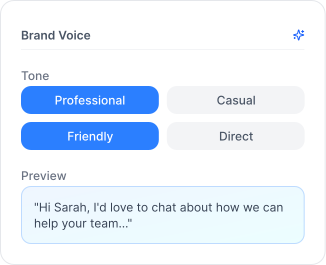
Align Brand Voice
Ensure responses match your company’s tone and style
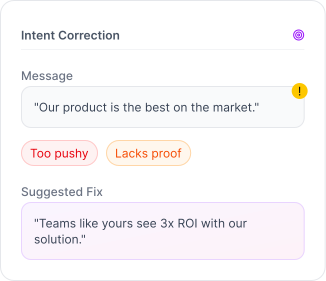
Correct Intent
Fix wording, tone, and message intent in real-time
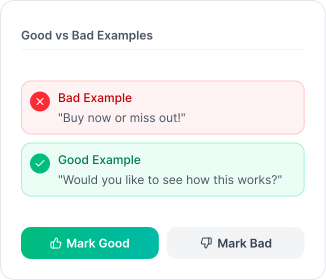
Show Examples
Teach the AI what good and bad answers look like
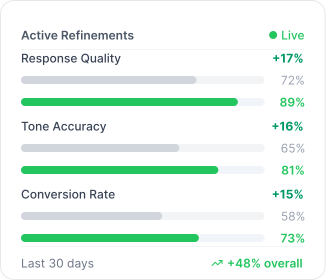
Refine Continuously
Improve conversations over time with ongoing feedback
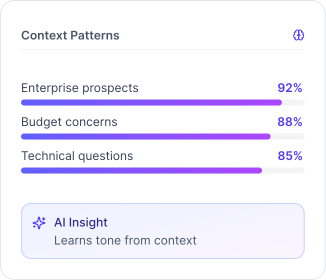
Context Learning
AI learns from context, not rigid rules
How Training Works
A simple, repeatable process to continuously improve your AI SDR’s performance
1
Add Training Cases
Create training cases based on real or hypothetical conversations.
Provide example prospect messages
Review the AI's response
Add corrections or preferred answers
Explain why corrections are better
Test the training before going live
2
Apply at the Right Level
Control exactly where your training applies for precision without duplication.
Organization-level
Brand tone, Compliance, General objections
Campaign-level
Niche offers, Industries, ICP-specific language
3
Continuously Improve
Training is not a one-time setup. Refine as conversations happen.
Identify weak responses
Add new training cases
Refine objection handling
Adjust tone and phrasing
Review real conversation history
Organization vs Campaign Training
Choose the right scope for your training, apply globally or fine-tune for specific campaigns
1
Organization-Level Training
Train once, apply everywhere. Set global standards for tone, style, and objection handling that every campaign inherits.
Universal brand voice
Consistent messaging
Shared best practices
Scales across all campaigns
2
Campaign-Level Training
Fine-tune for specific audiences or verticals. Override organization defaults with campaign-specific examples and corrections.